


Free
$0 no card
◆12 to get started
Studio Chat and every tool
◆ 12 credits when you sign in
◆ 10 for each friend who designs
Saves carry the Nava mark
Nava Studio redesigns the room you’re in, from a single photo.
Get started for free · ◆12 when you sign in · No card
Also coming to iPhone.

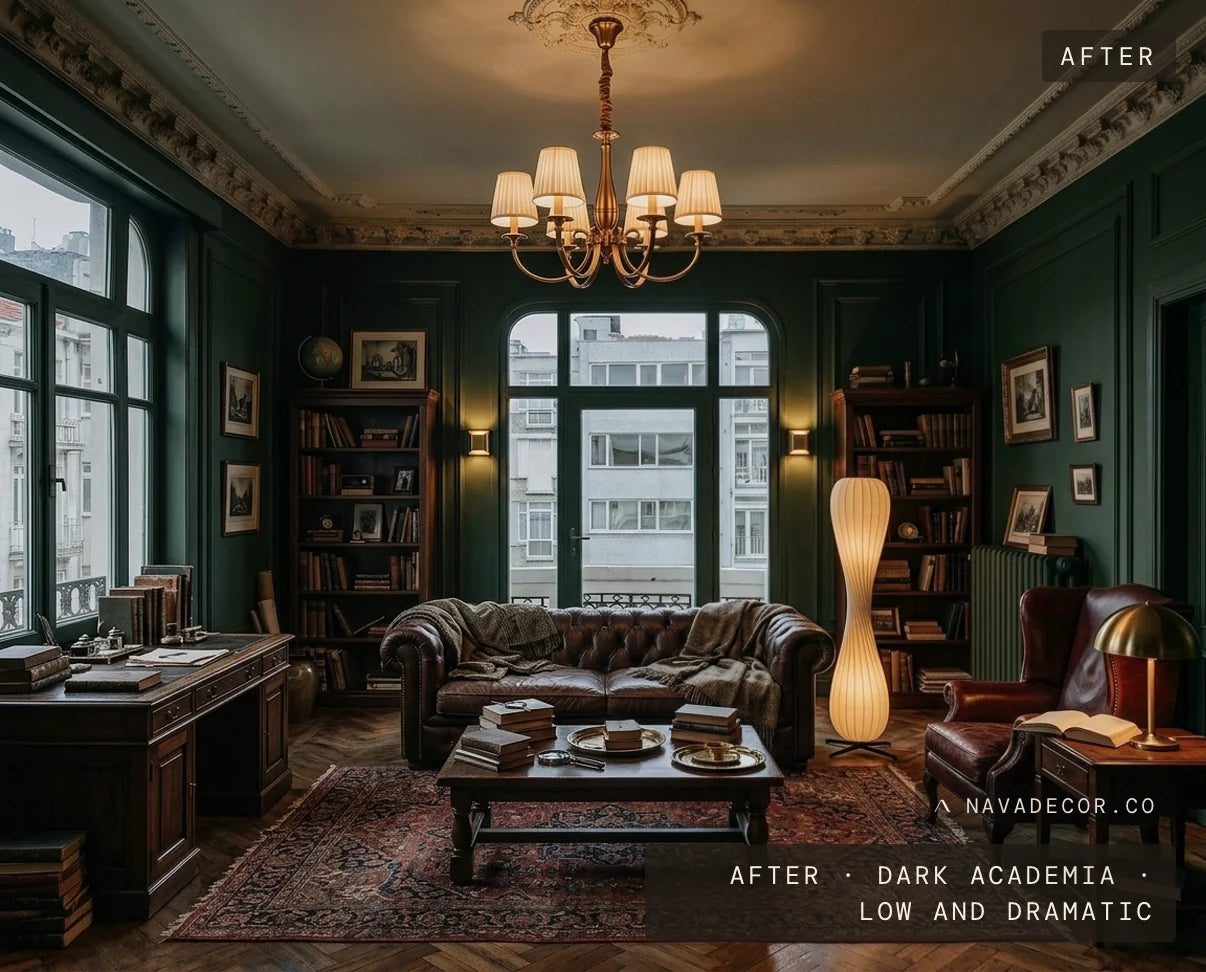
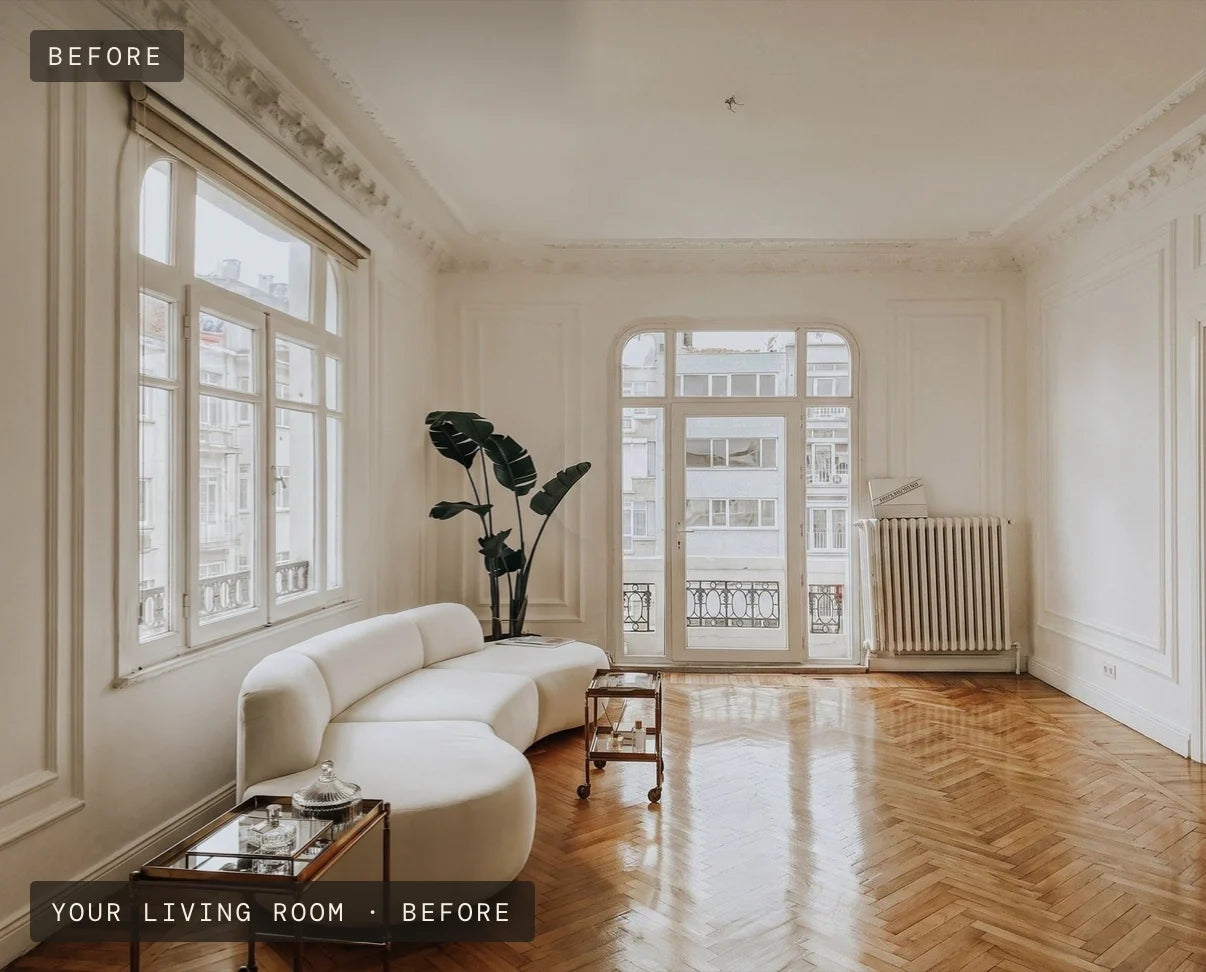

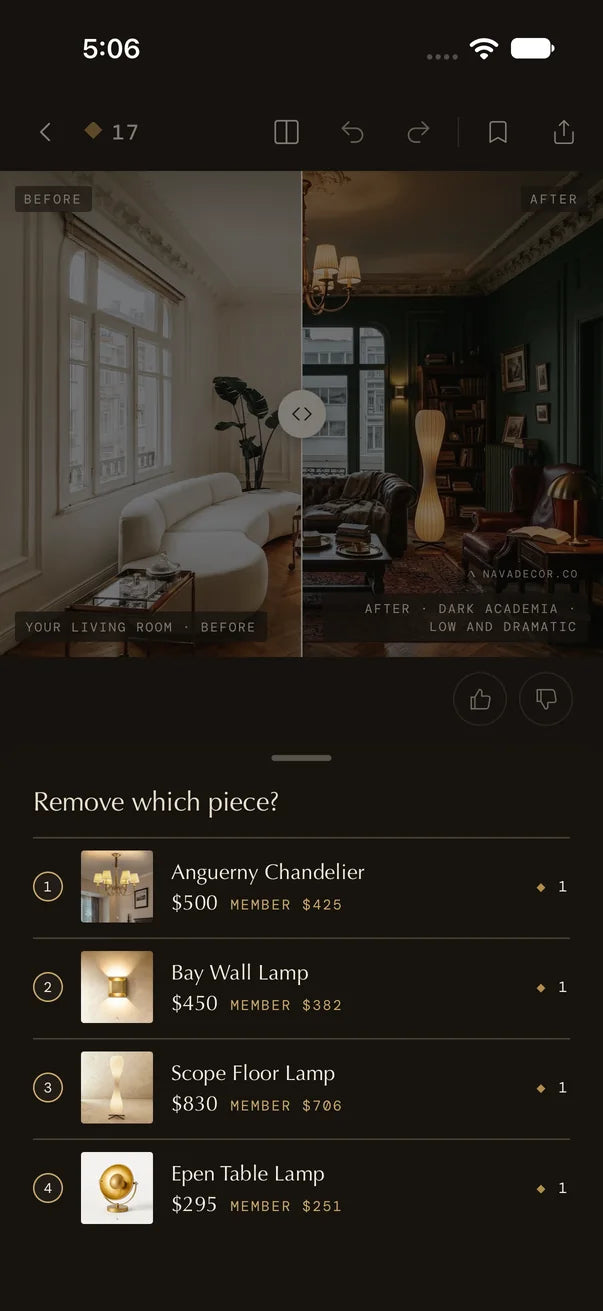


Drag the line · before and after
Also coming to iPhone.
Tell Studio what you’d like, in your own words. Not quite right? Say so. Your design keeps changing as you talk.
Dark academia, low and dramatic. Keep my windows.
Swap a lamp, remove a piece, change the mood. Everything else stays where it is.
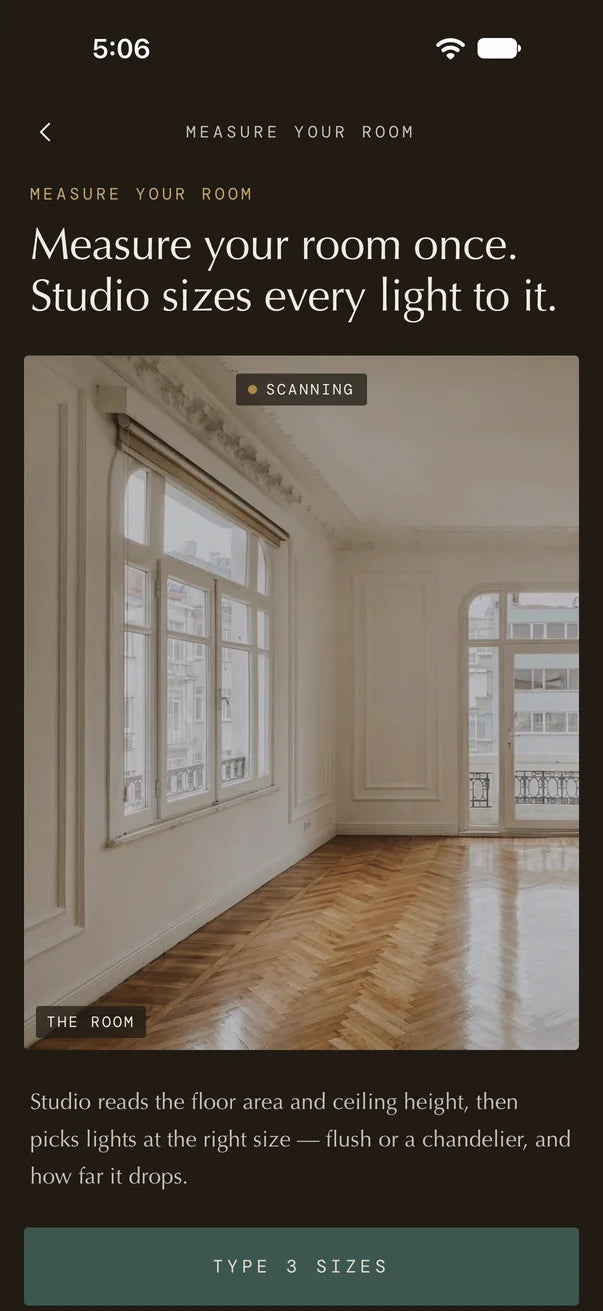
Scan the room with an iPhone Pro, in the Nava Studio app (coming soon). Or type three sizes. Studio draws your room with its real sizes, then designs to them, so the design fits the room you actually have and every light suits its floor and ceiling.
Measuring is free.
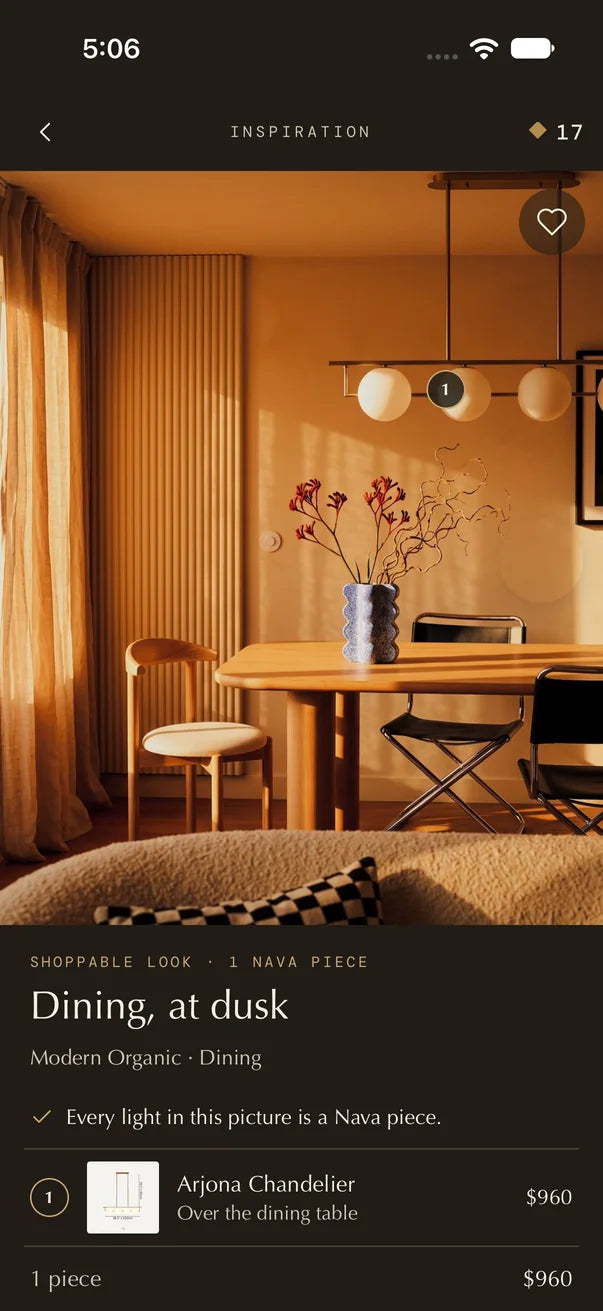
Studio places real Nava lights in your design, with their prices. Select a number to meet the light, or shop the whole look.
We started with lighting. More of the room is on its way.
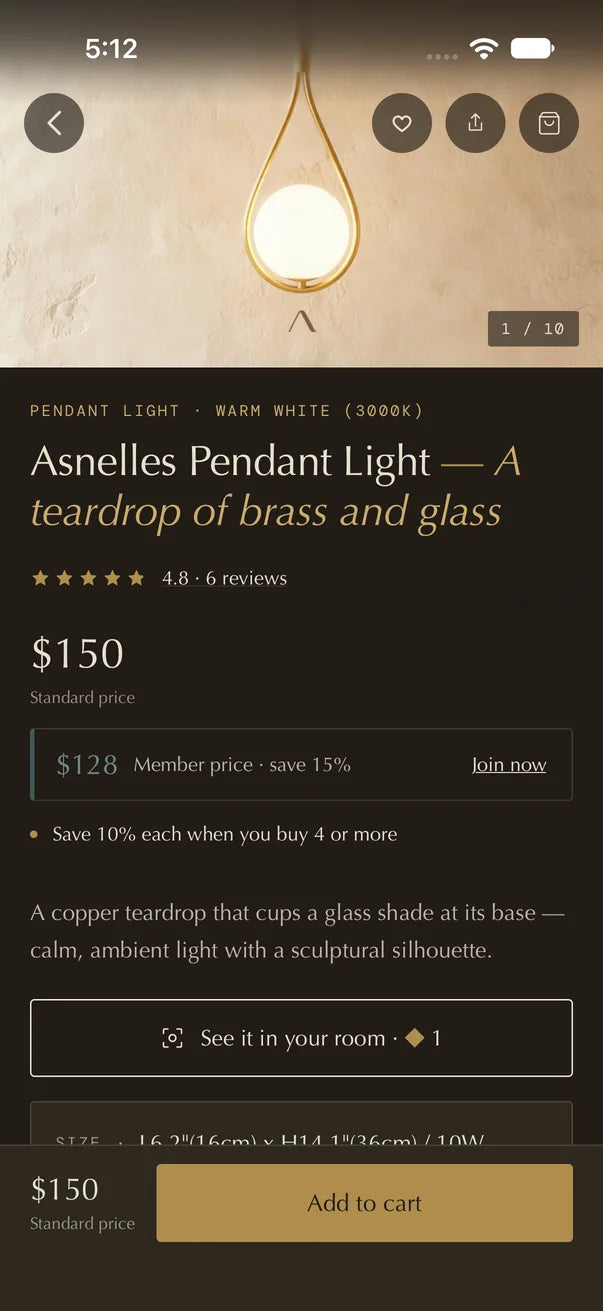
The whole Nava Decor collection is built into Studio. Every light you see, in a design, a room or a look, can be opened and ordered right there.
Sizes, drawings, reviews and a spec sheet for every piece.
Every light in the shop has a See it in your room button. Select it and Studio places that one light in a photo of your room. Nothing else changes.
The same Paris living room, through Studio's tools. Each picture below was made in Studio.


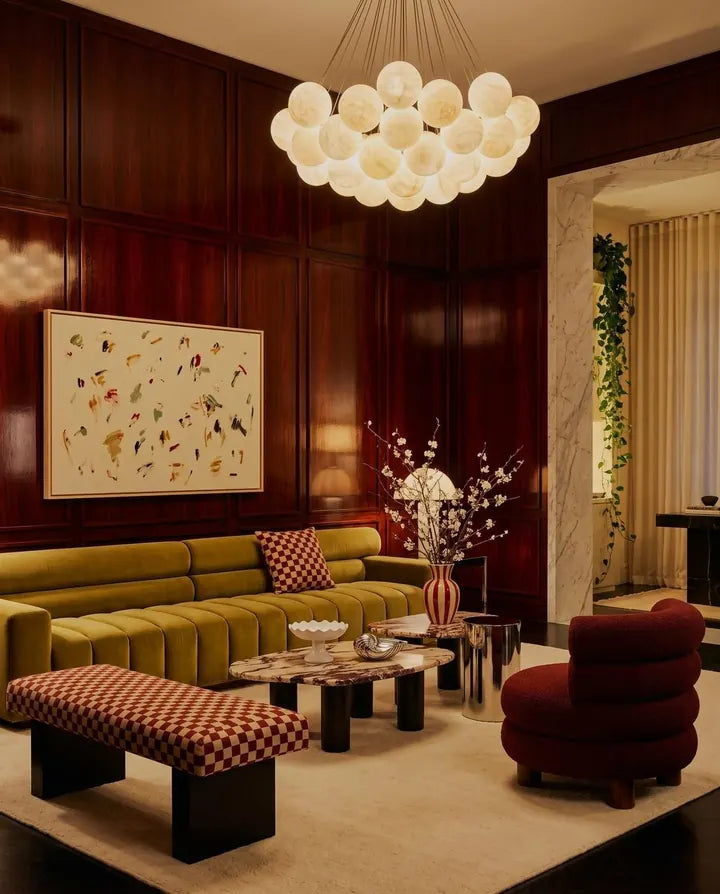

Not sure where to start? Start from a room you love. Shop its look, or try it on your room.
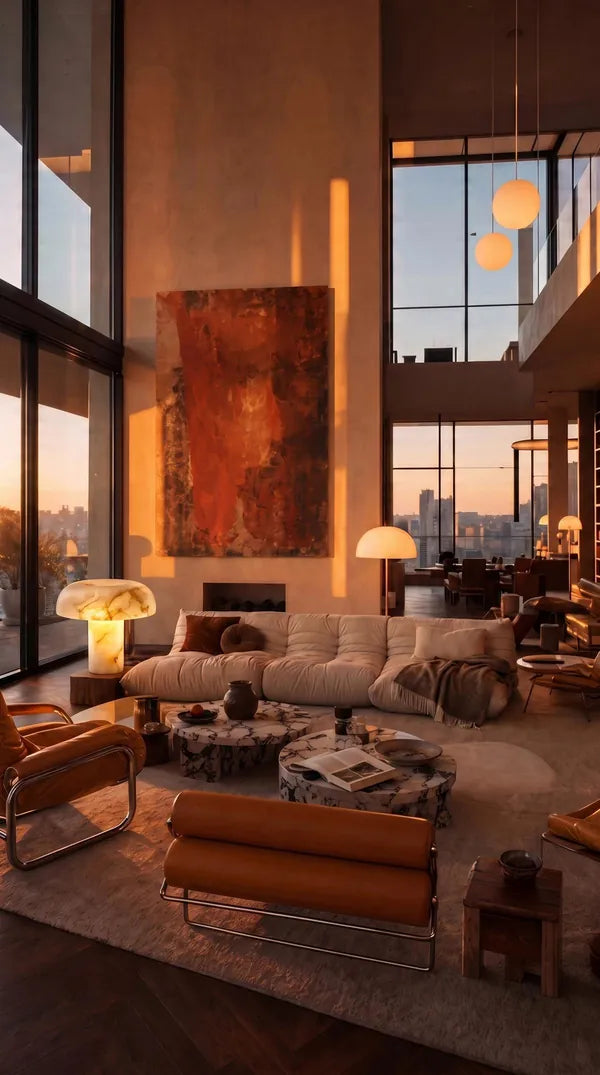
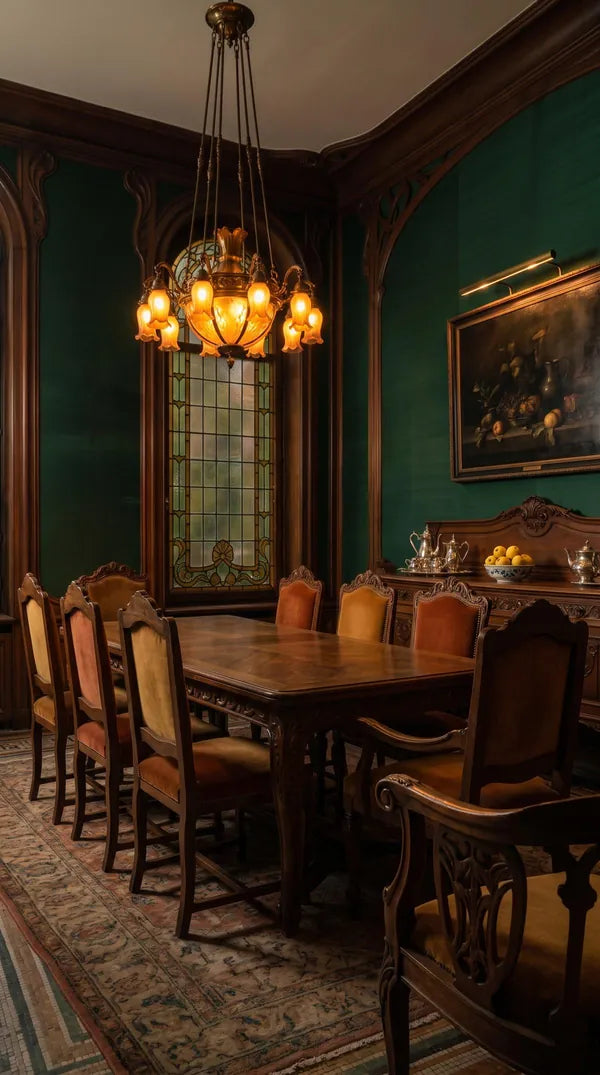
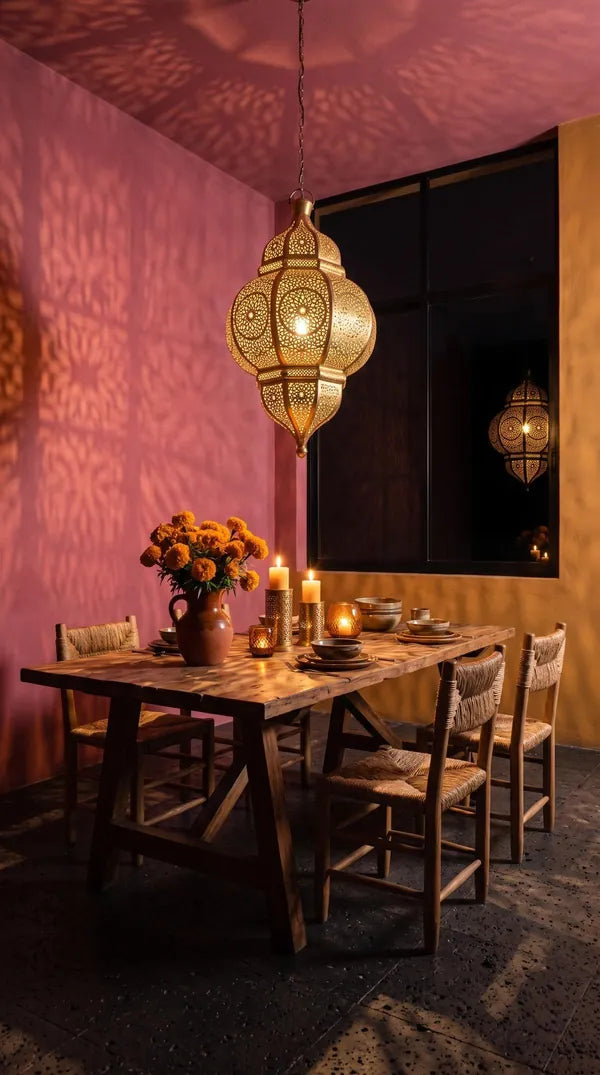
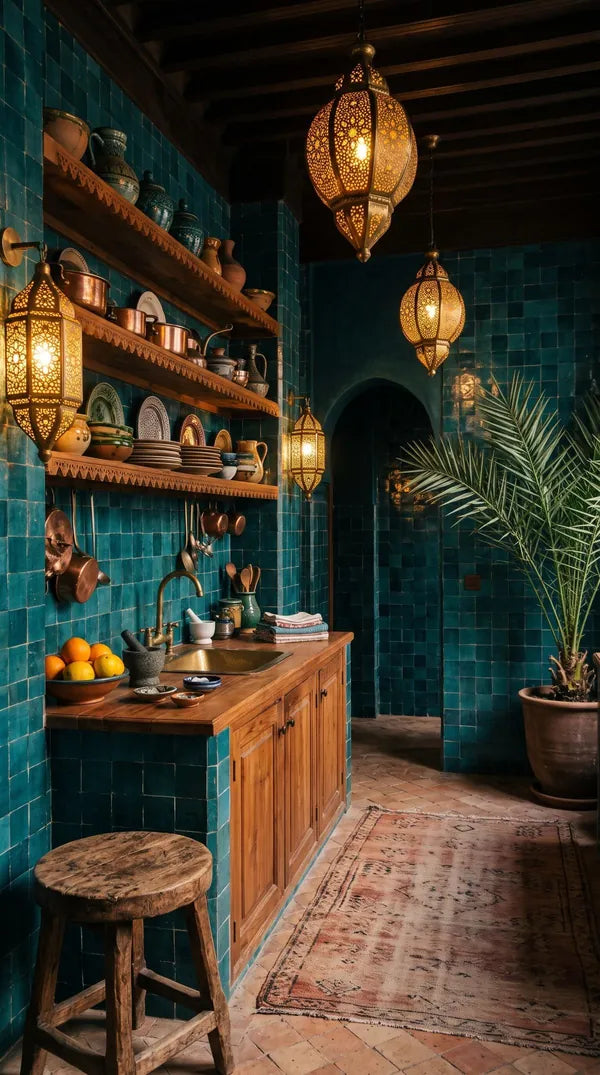
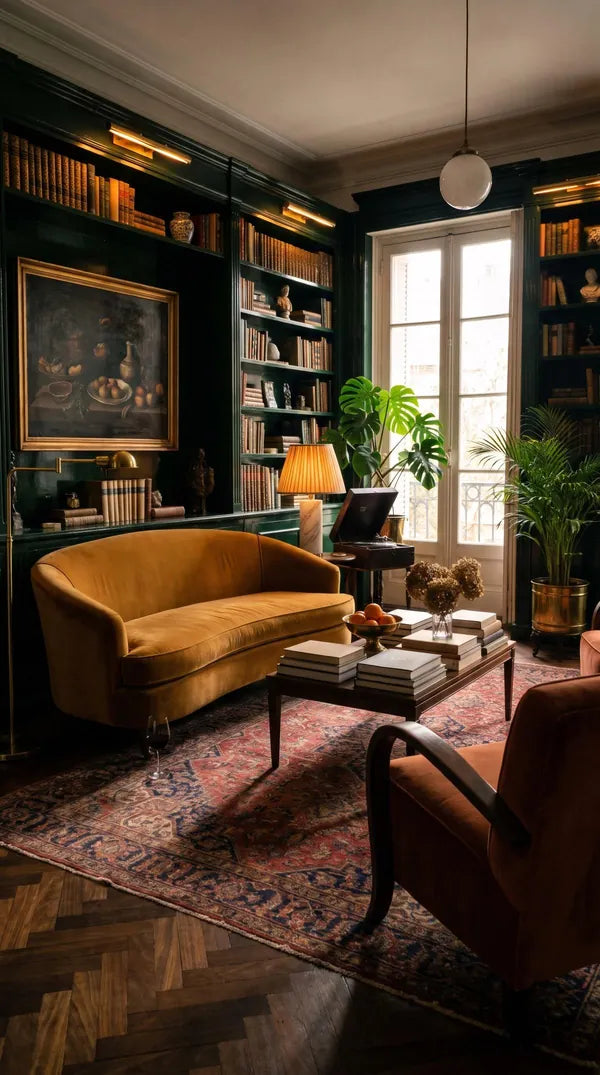
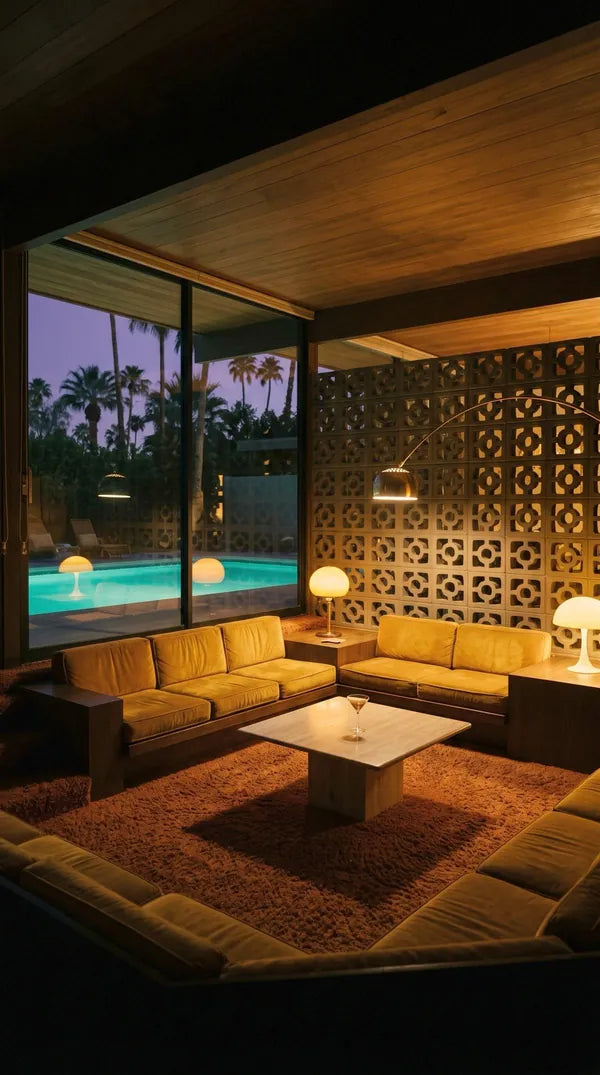
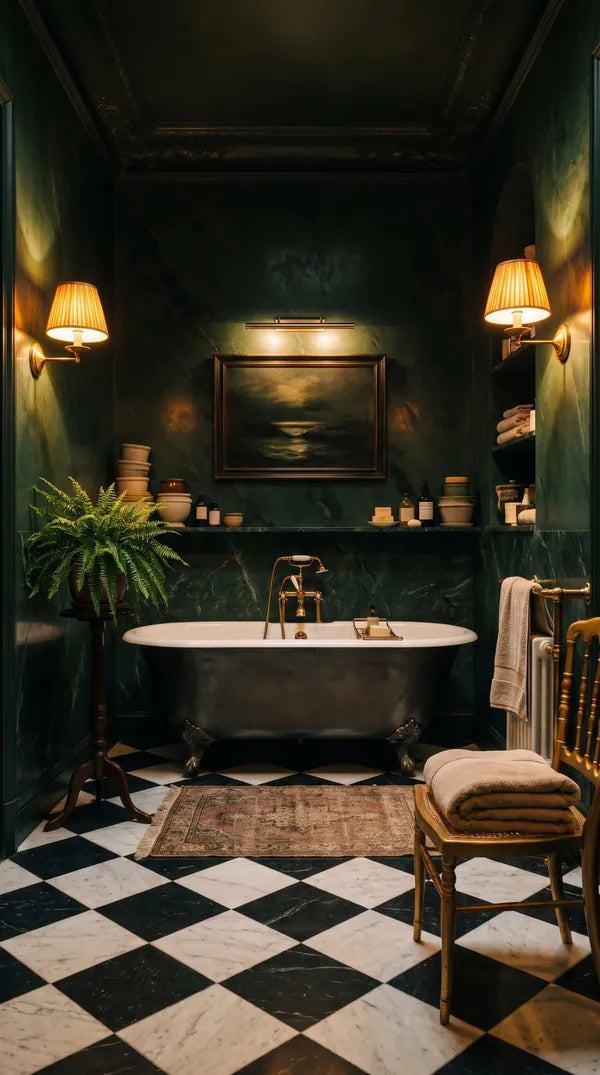
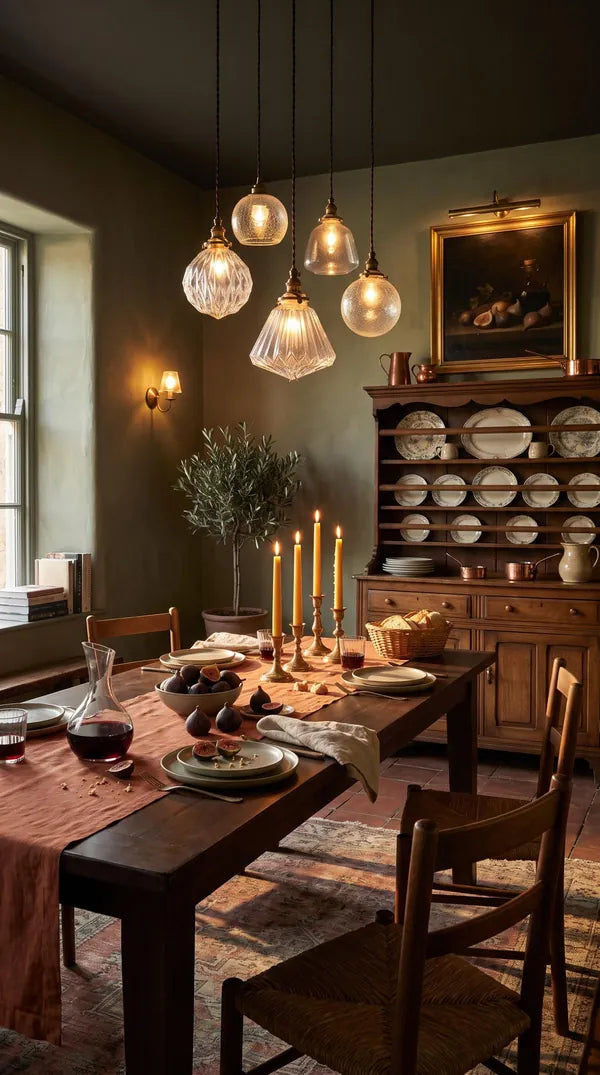
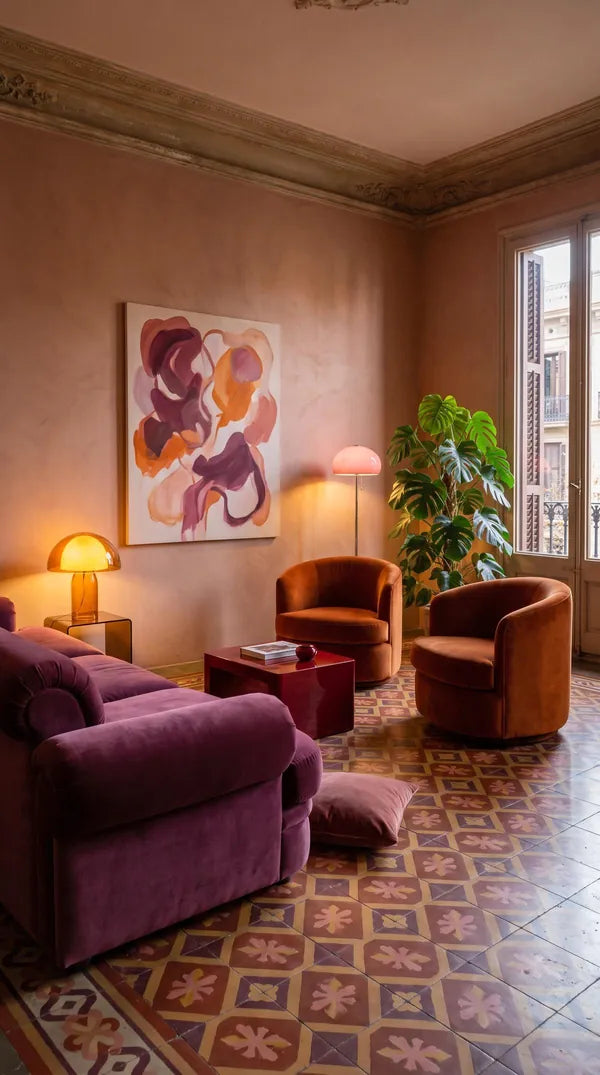
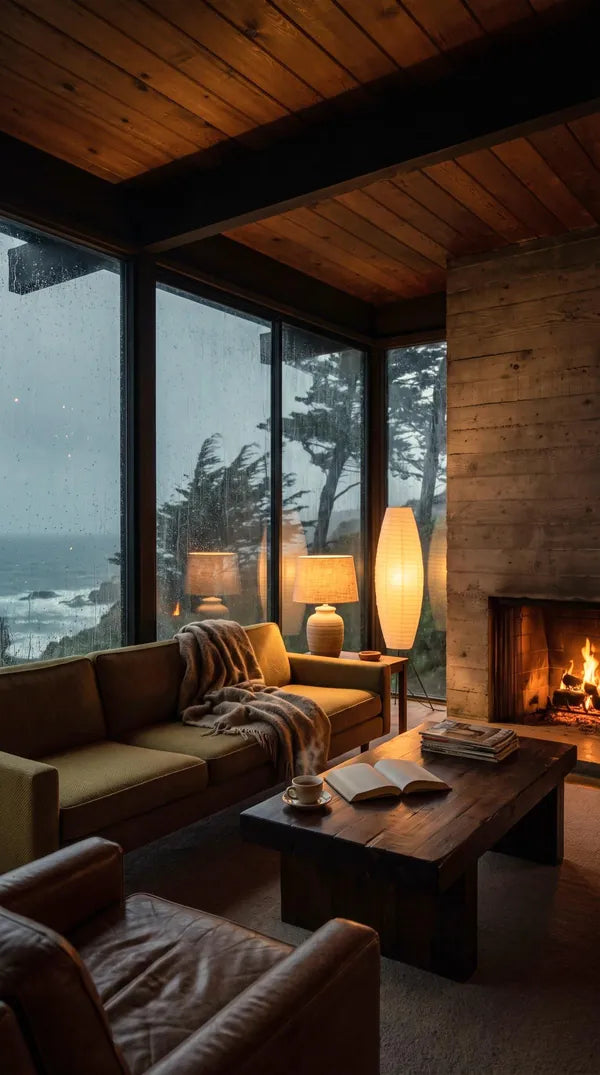
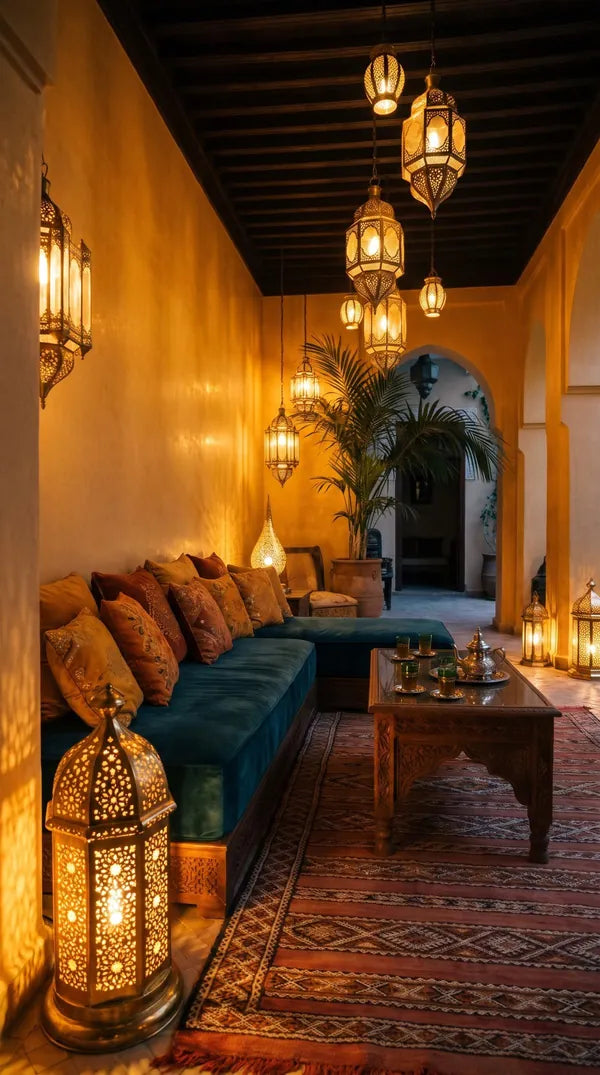
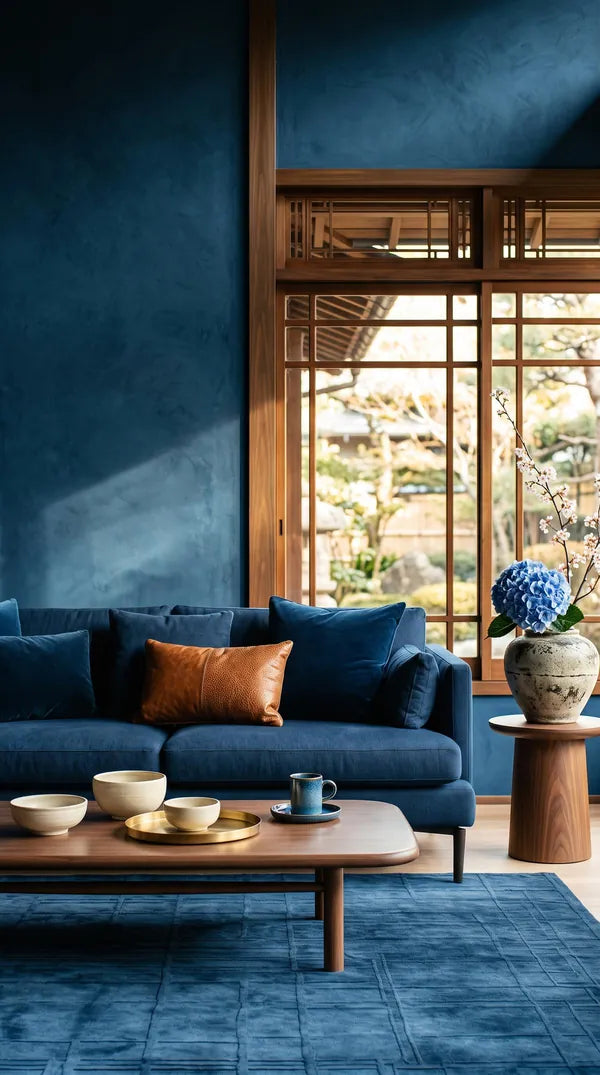
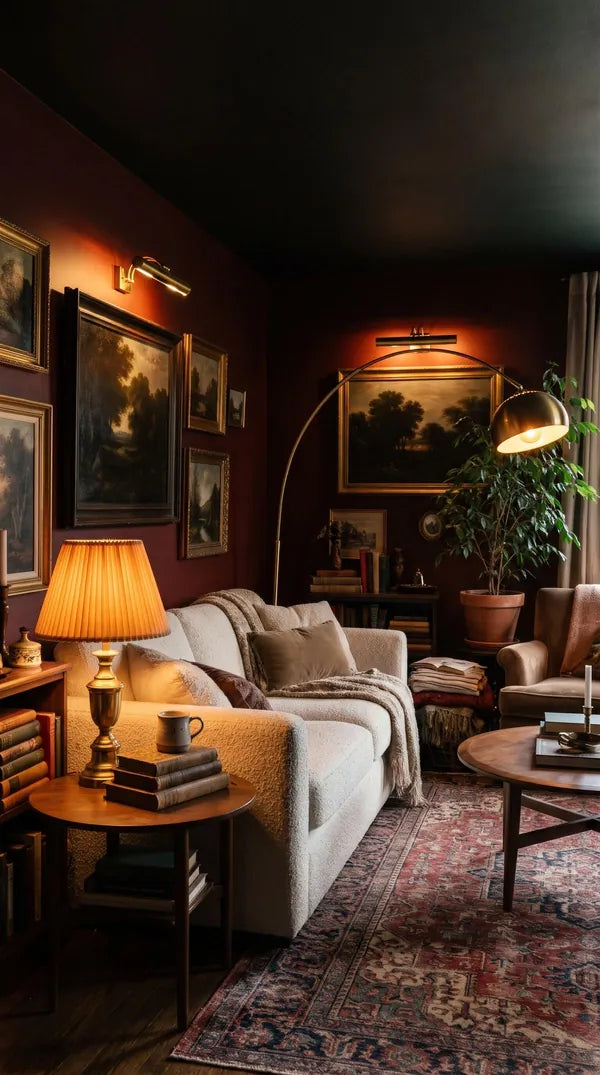
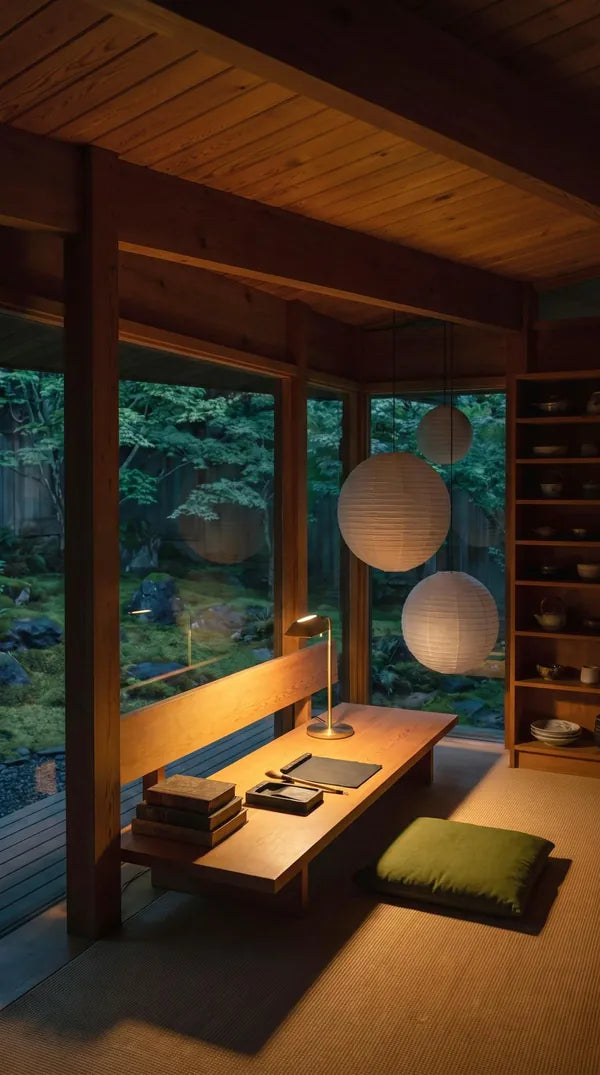
Rooms, light and colour. These are some of our most-watched reels.
◆12 when you sign in with your email · no card · no trial to forget
◆ 100 a month is about 30 new rooms.
Start free. Studio Pro gives you ◆ 100 credits every month, about 30 new rooms. Nava Circle adds 15% off full-price pieces and a $99 credit on your first order of $500 or more. One balance across the web and the Nava Studio app.
$0 no card
◆12 to get started
Studio Chat and every tool
◆ 12 credits when you sign in
◆ 10 for each friend who designs
Saves carry the Nava mark
$12.99 a month
Billed monthly · cancel any time
Studio Chat and every tool
◆ 100 credits every month
Every room exported in HD
No Nava mark, on screen or saved
Most popular
$7.42 a month
$89 billed yearly
Save 42%
Everything in Monthly
◆ 100 credits every month
One payment a year
Best value
$8.25 a month
$99 billed yearly
A year of Studio Pro, practically free.
Comes with a $99 credit on your first Nava Decor order of $500 or more.
Everything in Studio Pro
15% off full-price pieces, plus 5% more on sale
Early access, priority shipping, 2-year warranty
Cancel any time · Plan credits refresh monthly · Bought credits never expire
Prefer to buy credits once? ◆ 60 for $9.99 · ◆ 200 for $27.99. Bought credits never expire, and they add to any plan.
Prices in US dollars. Tax is added at checkout where it applies. Studio Pro Annual and Nava Circle are paid once a year ($89 and $99). Plans renew until you cancel; plan credits refresh each month and unused ones don’t carry over. Studio Pro payments are handled securely by Stripe. Nava Circle is bought at the Nava Decor checkout.
Compare every plan on the Plans page ↗Only if you ask. Studio keeps the room you photographed, with its walls, windows and layout, and changes what you tell it to. There is a Walls tool for when you do want a new colour.
Yes. Every light Studio places is a Nava Decor piece with its price, and you can order it from Studio.
Getting started is free: signing in gets you ◆12 free credits, with no card. If you want to keep designing, you can add credits or Studio Pro. There are no weekly plans and no trial that turns into a charge.
Studio’s tools run on credits. Each tool costs ◆ 1 to ◆ 3 each time you use it, as the table above shows. ◆ 100 a month is about 30 new rooms.
Plan credits refresh each month, and unused ones don’t carry over. Credits you buy or earn never expire.
Yes, any time. Cancel from Manage subscription in your account. You keep Studio Pro and its credits until the end of the period you paid for.
Yes. Nava Circle gives you a year of Studio Pro, with ◆ 100 credits every month. Circle adds the shop: a $99 credit on your first order of $500 or more, 15% off full-price pieces, plus 5% more on sale, early access, priority shipping and a two-year warranty.
No. One photo of the room is enough to design it. If you want every light sized to your room, measure it once: scan it with an iPhone Pro in the Nava Studio app (coming soon), or type three sizes in Studio. Measuring is free.
Yes. Your photos and designs are never shown to other customers or the public unless you share one yourself.
Yes, in your phone’s browser. The Nava Studio app for iPhone is coming too.

Leave your email, then switch on the light to reveal it.